01
Install and go
Once installed and signed in, connecting takes one screen.
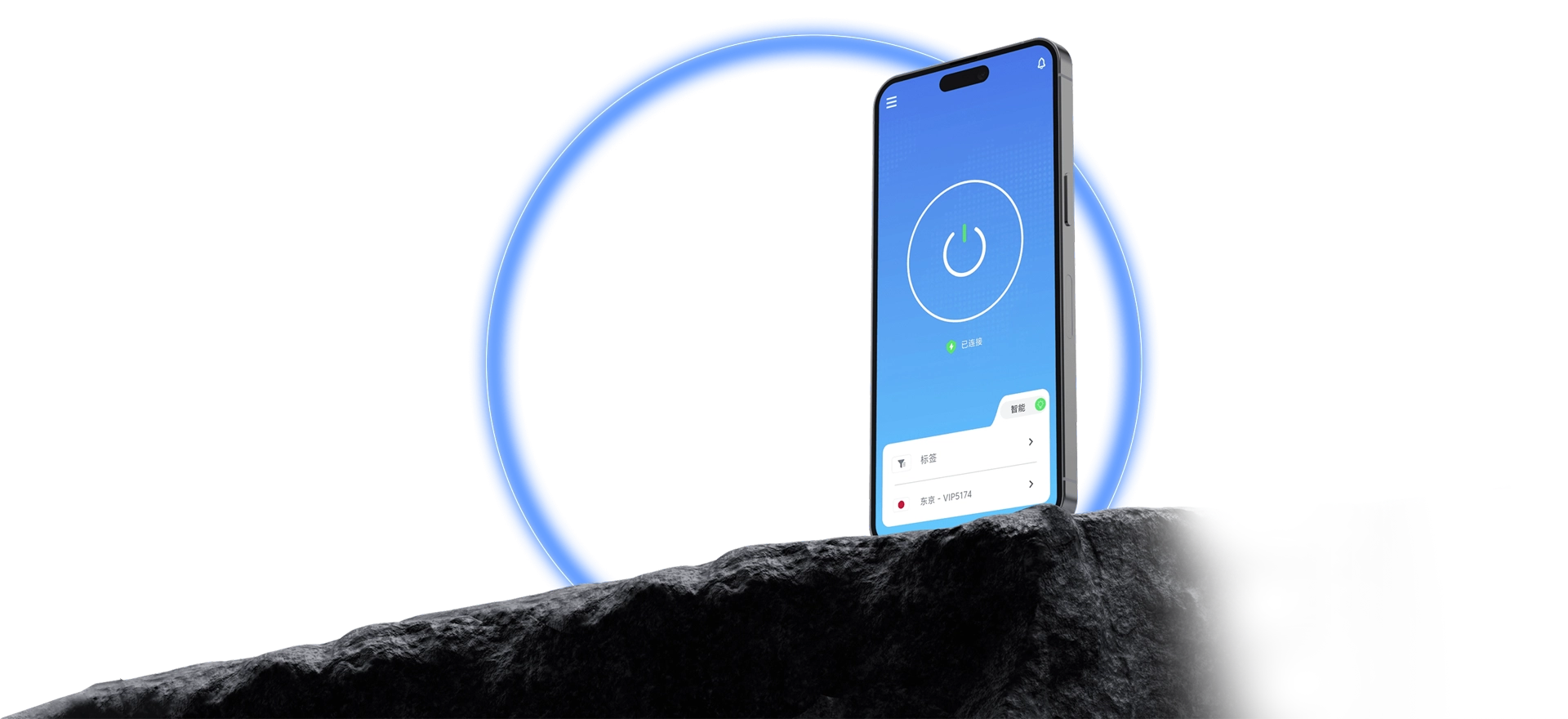
Dedicated smart routes for streaming, gaming, AI tools, and everyday browsing.
QuickQ supports Windows, macOS, iOS, Android, and Linux at the same time. After installing and signing in, pick a route and connect, with live status feedback. One account is enough to manage several devices.
Each stage is brief, which keeps first-time setup smooth.

Once installed and signed in, connecting takes one screen.
Route status stays clear; adjust it as your needs change.
Connection results are reported clearly, with no guessing.
One consistent process across devices keeps the learning curve low.
You can see what is collected, how it is used, and how it is kept safe.
Setup, sign-in, and connection problems each have their own guidance.
Download the client and follow the tutorial to set up QuickQ.